Your bike fit measured, not guessed
Pedalyze checks your position against professional fit ranges in under a minute. No studio visit, no €200 session, no waiting for an appointment.
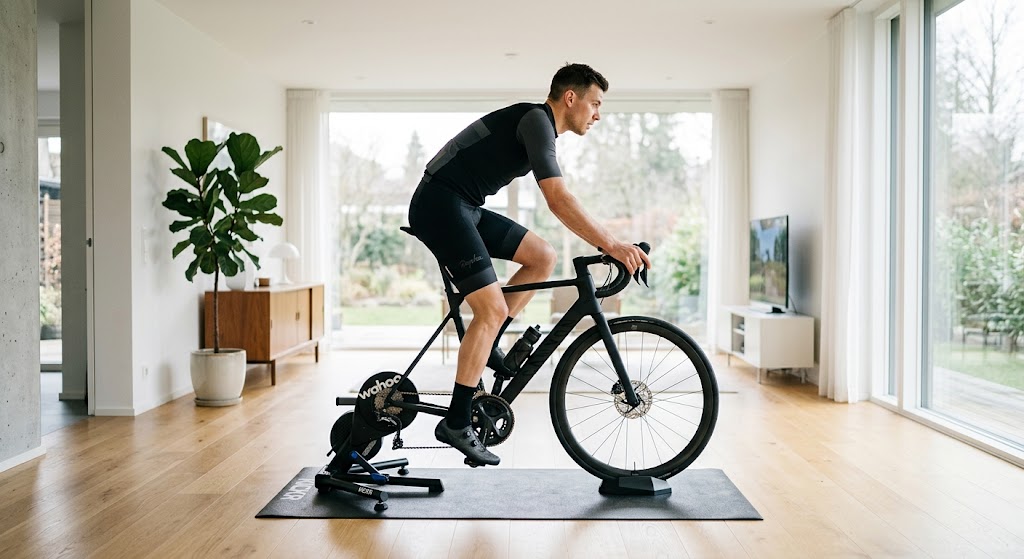
Knee stays quite bent at the bottom — saddle is likely too low.
Hip is very open — comfortable, but costs aerodynamics.
Arms are tucked under the torso — reach may be too short.
Stop guessing. Ride further without the pain.
Pedalyze brings precision biomechanics to your home setup — at a fraction of the cost of an in-studio fit.
No stickers or markers needed
Simply upload a photo in your normal kit. Pose detection finds your hip, knee, ankle and shoulder joints automatically in seconds.
Spot fit factors linked to discomfort
Instantly measure your exact saddle height, knee flexion and KOPS — angles commonly associated with knee pain, lower back fatigue and hand numbness.
Knee pain from cycling →Pro fit ranges, made simple
Get a clear pass, warn or fail on every angle, against fit ranges for road, comfort or TT. Then share a link so your own fitter can check it with you.
Sources: knee flexion follows Holmes, Pruitt & Whalen (1994). The other ranges are our reading of common fitting guidance. Pedalyze is independent and not affiliated with Retül, BikeFit or any other fitting system.
Pedalyze or a studio fit: when each makes sense
A professional fitter and Pedalyze do different jobs. Pedalyze is a first check you can do at home, and a way to compare your position before and after a change. It does not replace a fitter.
Best for
In-studio fit
Pain that does not go away, an injury, a new bike set up from zero, or a race position
Best for
Pedalyze
A first check, small adjustments, and before-and-after comparisons
- Cost
- In-studio fit€190–550 in Europe, $300–400 in the US
- Pedalyze1 report every 7 days free, then €29 for 30 days
- Time required
- In-studio fit2–3 hours with a fitter, plus travel and an appointment
- PedalyzeA few minutes at home, when you want
- What you get
- In-studio fitAn assessment of your flexibility, injuries and goals, then hands-on changes to your saddle, bars and cleats
- PedalyzeYour joint angles, checked against target ranges, with suggestions that you apply yourself
- Analysis method
- In-studio fitA fitter watches you ride, measures you, and sees how your body responds to each change
- PedalyzePose detection on side-on photos or video. Not yet validated against a goniometer
- Checking again later
- In-studio fitUsually a paid follow-up visit
- PedalyzeCheck again after each change to your saddle, stem, shoes or bike
Prices checked September 2026. Is a bike fit worth it? Prices and when to pay a fitter → Pedalyze vs MyVeloFit →
Start with a free check of your position.
Check my fit now — it's freeSee a real report
This is an actual Pedalyze analysis — the same photos, angles and tips you'll get for your own fit.
Fit Score
Needs some work
Improves as you work through the tips below.
Analysis confidence
High
- Side-on image
- Camera tilt could not be verifiedPhoto: 6 o'clock, 3 o'clock
- Full body in frame
- Joints clearly visible
How much to trust the measured angles, based on capture quality and how clearly each joint was detected.
Tips to improve your fit
Ranked so you tackle the biggest issues first.
- 1Hip angle6 o'clock (bottom of stroke)
Hip is very open — an upright position. Fine for comfort, costs aerodynamics.
An overly open hip pushes your torso upright, adding frontal area and drag.
- 2Shoulder angle6 o'clock (bottom of stroke)
Arms are tucked under the torso; reach may be too short.
A short reach loads the lower back and can restrict breathing.
- 1KOPS offset (3 o'clock)3 o'clock (crank horizontal)
Knee sits ahead of the pedal spindle — try moving the saddle back.
Knee ahead of the spindle increases strain on the front of the knee.
Made this tweak? Upload a new photo to re-test your fit.
Upload new photo- Knee flexion (6 o'clock)In range25.8°
Target 25–35°
Measured knee angle: 154°. Flexion = 180° − 154° = 25.8°.
No adjustment needed - Hip angleOut of range115.5°
Target 45–75°
Hip is very open — an upright position. Fine for comfort, costs aerodynamics.
An overly open hip pushes your torso upright, adding frontal area and drag.
- Torso angle from horizontalIn range51°
Target 40–55°
No adjustment needed - Elbow angleIn range164.6°
Target 150–165°
No adjustment needed - Shoulder angleOut of range64.9°
Target 80–100°
Arms are tucked under the torso; reach may be too short.
A short reach loads the lower back and can restrict breathing.
A photo is one instant. Your pedal stroke is the whole story.
Film about 10 seconds from the side. Pedalyze measures every angle through the full crank cycle, not one frozen frame.
Every angle, all the way round
Knee, hip, torso, elbow, shoulder and knee-over-spindle, measured across the whole stroke instead of a single frame.
Cadence and ankle technique
See your cadence and how your ankle moves through the stroke — things a still photo cannot show.
A fit score, and how much to trust it
One weighted score for the whole position, next to a confidence rating based on how good the clip was.
The clip never leaves your device
The analysis runs in your browser. The video is never uploaded — only the measurements, and only if you save them.
Angles across the stroke
Sample analysisFit score
82
Cadence
88 rpm
How it works
Four steps, and you can repeat the last two as often as you want.
 1
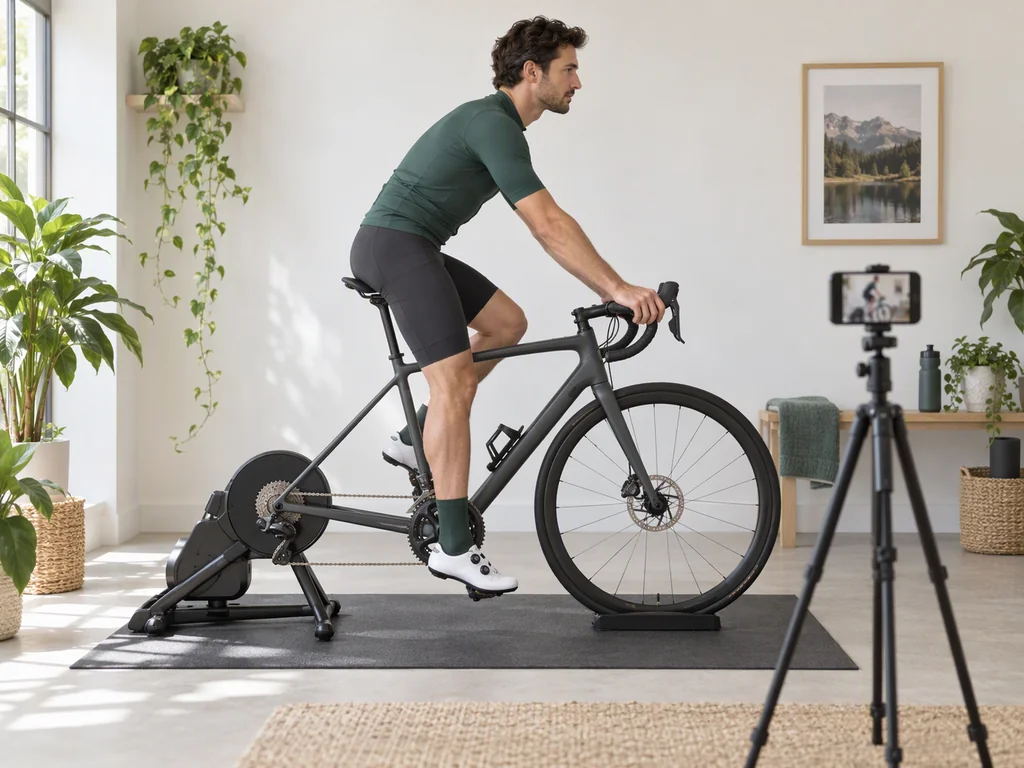
1Take two photos
Side-on, with the cranks at 6 and 3 o'clock. Follow the capture guide on screen.
 2
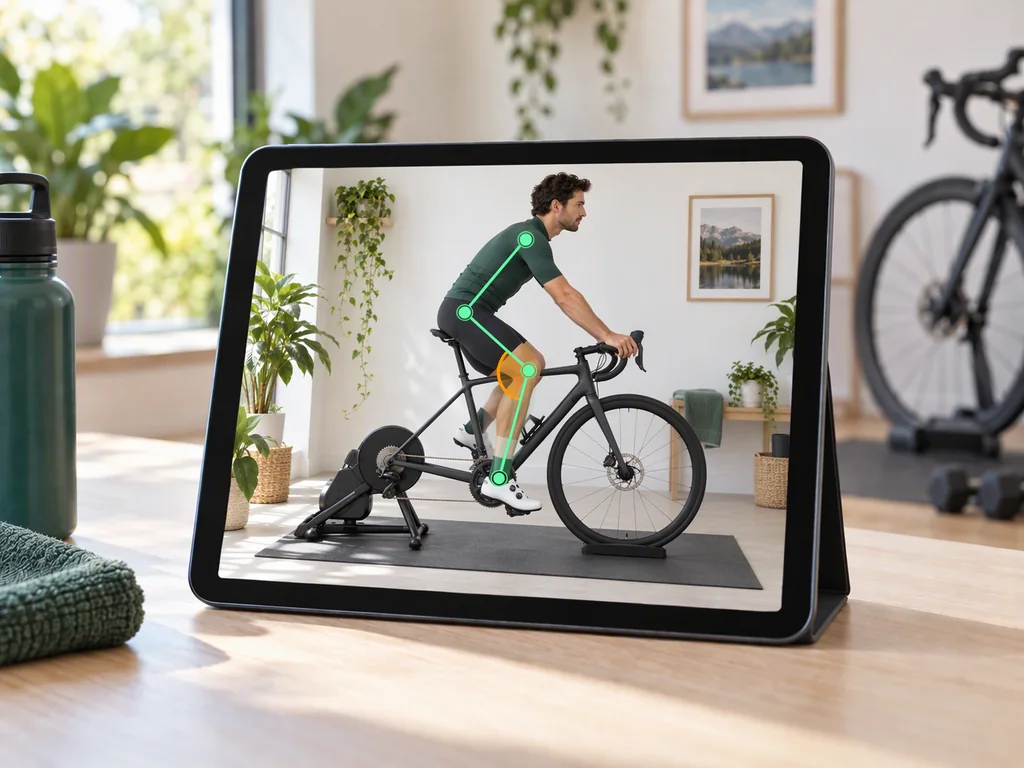
2Get your fit analysis
Pedalyze measures your position and shows which angles are outside the reference range.
 3
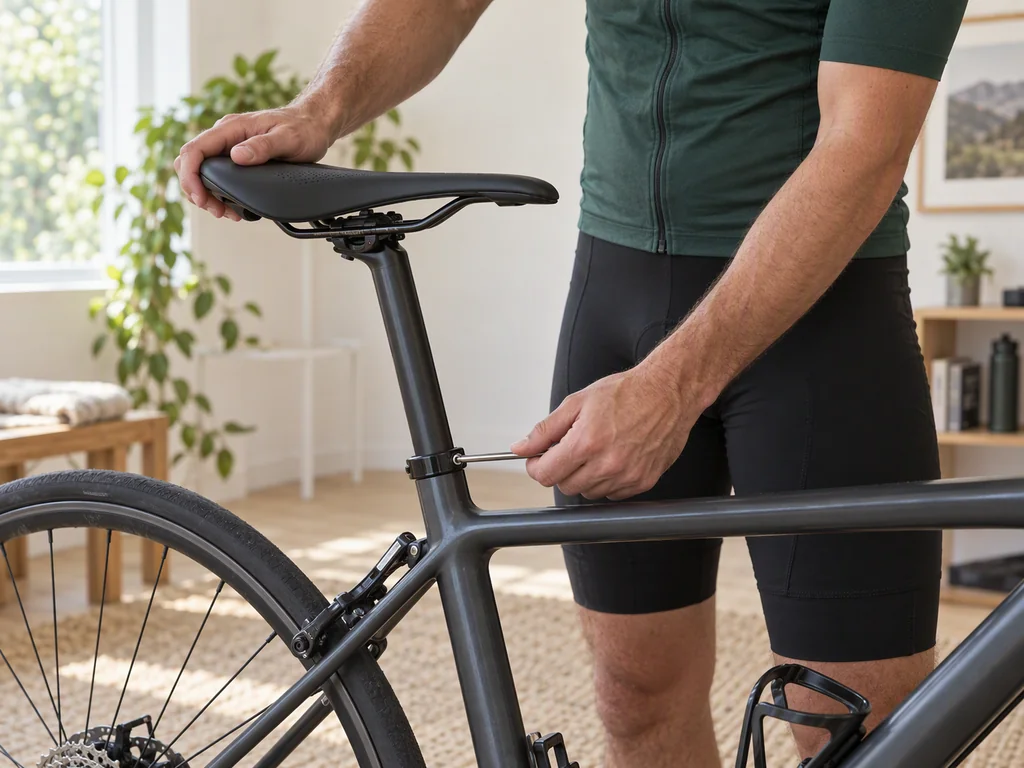
3Make an adjustment
Use the recommendations to change your saddle, bars or cleats.
 4
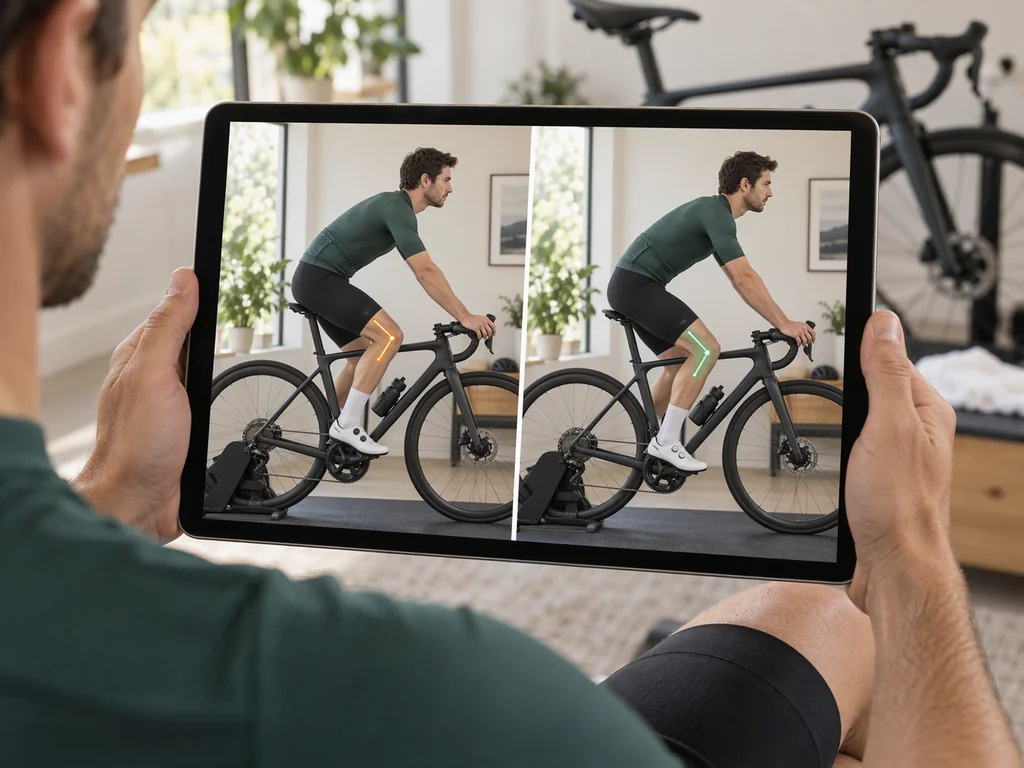
4Test again
Upload a new photo and see if your position improved.
When riders check their fit
Anything that moves your body or your contact points changes your position. These are the moments worth a check.
New bike day
The shop set it up by eye. Check the numbers before your first long ride.
Knee pain on long rides
Saddle height and fore/aft cause most knee complaints. Measure both in a minute.
New shoes or cleats
A different stack height moves your saddle height by millimetres you can feel.
Numb hands or a sore back
Check your reach, your bar drop and how much weight your torso angle puts on your arms.
Going lower and faster
See how far you can drop the front end before your hip angle starts to cost you power.
Setting up the indoor bike
Copy your outdoor position onto the trainer bike, and measure it instead of guessing.
Fitting a partner's bike
One photo each. No second appointment and no second fee.
After a fitting session
Confirm the changes stayed where the fitter put them, and re-check every time you adjust.
Your photos stay yours
You are sending pictures of your own body. Here is exactly what happens to them.
Video never leaves your device
The video check runs fully in your browser. The clip is never uploaded — only the measurements, and only when you save.
Photos are stored for you, not sold
Photos go to private storage tied to your account so you can compare over time. We never sell them and never share them for advertising.
Delete them whenever you want
Remove any analysis from your history at any time. Run one without an account and the photo is deleted automatically after 7 days.
Free calculators, no account needed
Quick answers for the numbers that come up when you set a bike up. They give you numbers — Pedalyze gives you your position.
One price. No subscription.
Your first report is free, and you get another one every 7 days. Pay once only when you want to keep adjusting.
Free
To try Pedalyze. No credit card.
€0 forever
- 1 free report every 7 days
- See which joint angles are in range, and which are not
- Fit score and recommendations
- All fit profiles (road, endurance, TT)
Fit Session
To dial in your position, once.
€29 one-time
30 days of full access
- Unlimited analyses for 30 days
- Unlimited re-checks after each adjustment
- Fit score and recommendations
- All fit profiles (road, endurance, TT)
- Printable fit report
The Fit Session pass is a one-time payment. It does not renew, and there is nothing to cancel.
Questions riders ask first
Is Pedalyze free?
Yes. You get 1 report every 7 days with the full angle overlay and pass/warn/fail results, with no credit card. The €29 Fit Session pass is one payment for 30 days of unlimited saved analyses, comparisons over time and PDF export. There is nothing to cancel.
Is my video uploaded?
No. The video check runs in your browser, and the clip never leaves your device. Only the measurements are saved, and only if you save them. Photos are different: they are stored with your account so you can compare over time. A report run without an account is deleted after 7 days if nobody claims it.
Can Pedalyze replace a bike fit?
No. It is a first check for the common issues: saddle height, reach, bar drop. If you have pain that lasts after rides, an injury, a clear difference between your left and right legs, or you race at a high level, see a professional bike fitter or a physio. You can share your report with them.
Which bikes and positions does Pedalyze support?
Three fit styles: road/endurance, comfort/upright and TT/triathlon. You pick one before the analysis, and Pedalyze compares your angles with the target ranges for that style. Photos and clips must be taken side-on.